![Avatar 8-1.png]](https://support.zapfloorhq.com/hs-fs/hubfs/Avatar%20%208-1.png?height=40&name=Avatar%20%208-1.png)
Step 1 : Go to the customers module
From the black menu on the left side of the screen, click on Customers to open the Customers module.

Step 2 : Choose the right export option
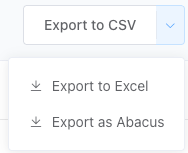
Click on the Export button if you want a CSV or on the arrow to open the dropdown menu. From there you can select another format if needed and click on it.
Step 3 : Download the customers
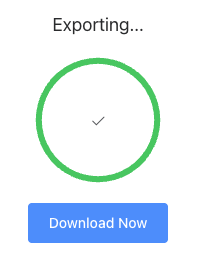
Once you have selected the export format, the export will start loading. When the export is ready, click the blue Download now button to download the file. After that you can start using it.